

Holding on to outdated technology might seem like a smart way to save money, but in reality, it often costs your business more in lost efficiency, higher risks, and hidden expenses. Using old hardware and software can drag down your team's productivity, inflate your budget over time, and expose your company to serious security threats.
Understanding the True Expense of Old Tech
Outdated technology impacts your business in several costly ways. Slower systems mean slower work, which directly reduces your team's output. Additionally, aging equipment is prone to unexpected failures, leading to downtime that disrupts your operations and delays deliverables.
Security is another critical concern. Older software and hardware no longer receive patches to fix vulnerabilities, making them prime targets for cyberattacks. Hackers exploit these weaknesses to access sensitive data, putting your business at risk of breaches and compliance failures. Upgrading to the latest technology is essential to safeguard your company and maintain regulatory standards.
Key Indicators It's Time to Upgrade Your Technology
Watch for these signs that signal your tech needs a refresh:
1. Your systems run on Windows 10 or earlier versions.
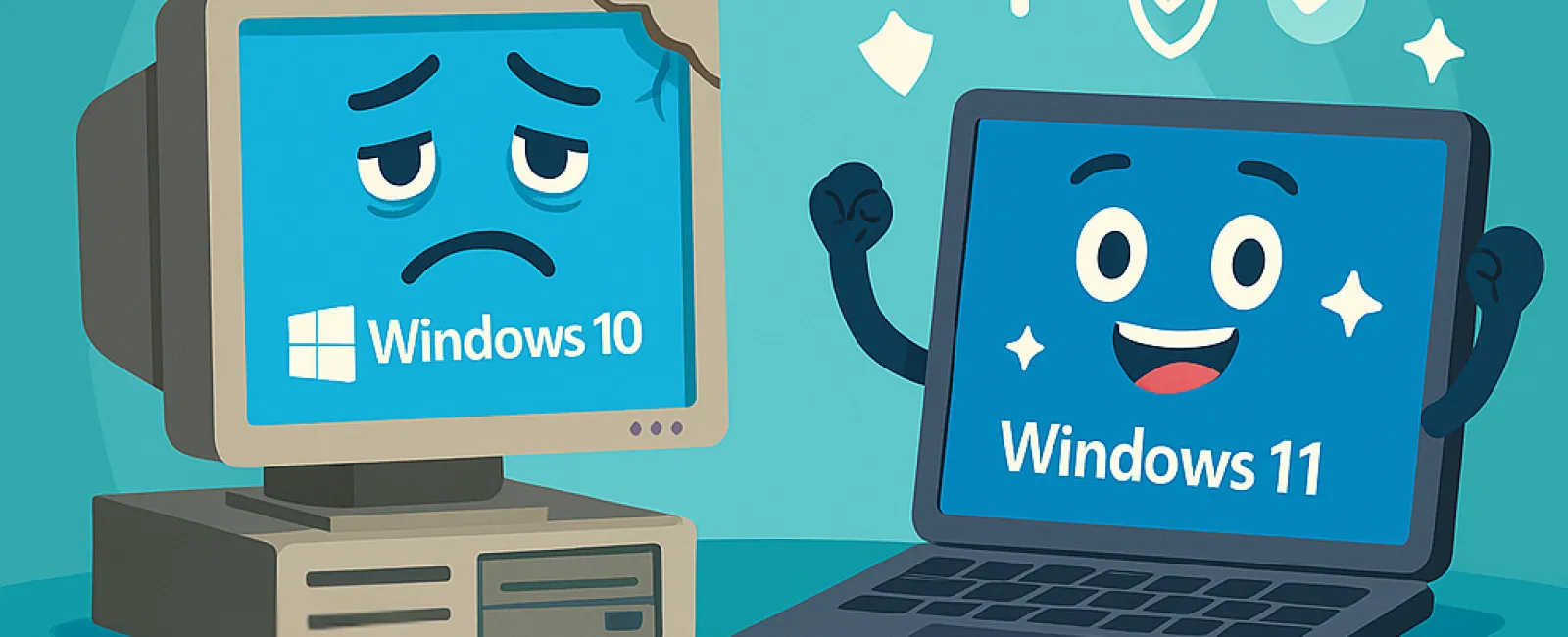
With Microsoft ending support for Windows 10 in October 2025, continuing to use it means missing critical security updates. This leaves your business vulnerable to cyber threats and compliance risks. Start planning your upgrade to Windows 11 now to stay protected.
2. Repeated IT support calls for the same issues.
Frequent crashes, freezes, and slow performance aren't just frustrating—they're signs your technology is failing. These problems sap productivity and increase downtime, impacting your bottom line.
3. Legacy software doesn't work with new tools.
If your current software can't integrate with mobile apps or cloud services, it limits your ability to innovate, serve customers effectively, and grow your business.
4. Devices are slowing down daily operations.
Computers that take too long to start, freeze during video calls, or crash frequently disrupt workflows. Devices older than three to five years should be evaluated for performance and energy efficiency to avoid draining resources and productivity.
5. Outdated security systems are in place.
If your firewall or antivirus software hasn't been updated recently, your defenses are weak against evolving cyber threats. Old security systems often become entry points for ransomware and other attacks.
Worried about the cost of upgrading? While it might seem expensive upfront, sticking with slow, outdated tech often leads to greater losses through inefficiency, security breaches, and constant repairs. Fortunately, there are cost-effective upgrade options designed to keep your business running smoothly without breaking the bank.
Partner with Experts for a Smooth Transition
If you want expert guidance to seamlessly upgrade your technology and stay ahead of obsolescence, reach out to our team. Schedule a FREE 15-Minute Discovery Call with us to discuss tailored strategies that enhance your business's security, productivity, and cost-efficiency. Call us at 816-256-2595 or click here to book your consultation today.