


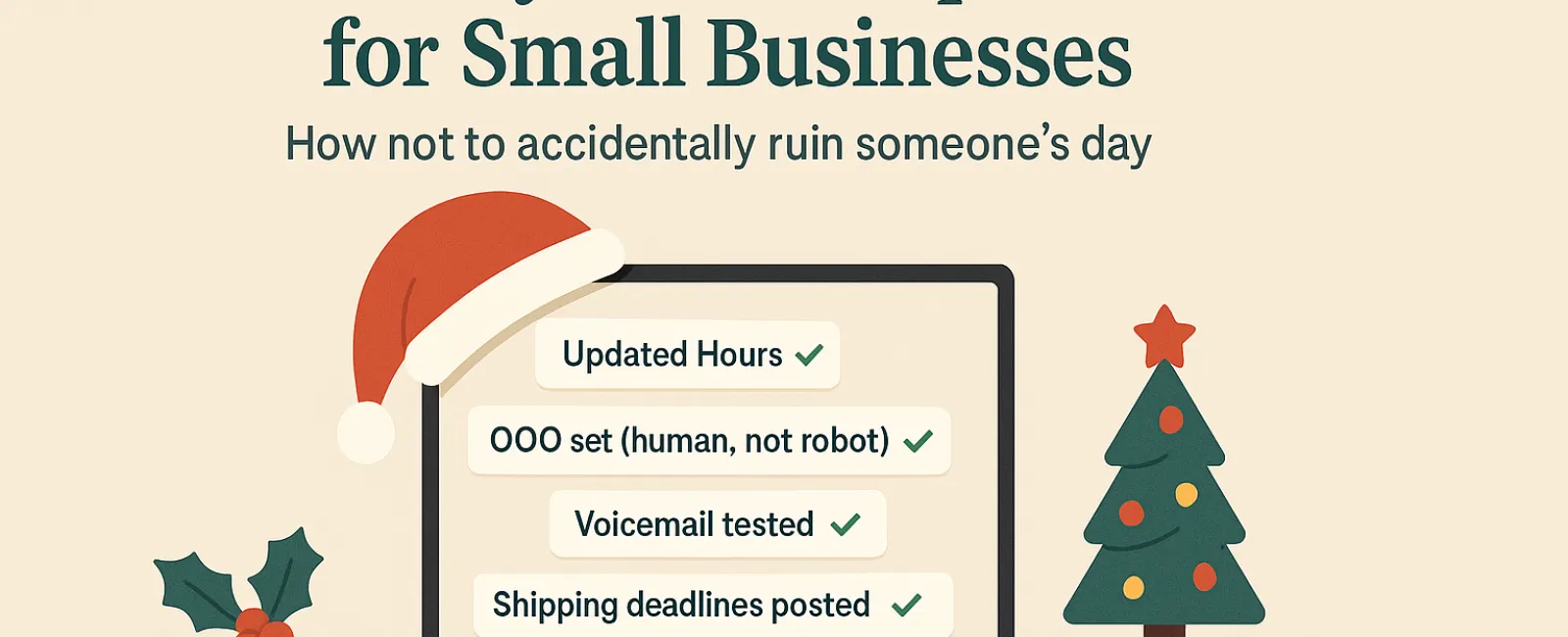
Holiday seasons bring enough stress without technology adding to the chaos. Shoppers are rushing last-minute stops, employees are balancing family commitments, and expectations are sky-high. The last thing you want is to irritate your customers or staff with avoidable tech glitches.
Consider this your essential guide to holiday tech etiquette—because no business wants to be remembered as the one that spoiled someone's day.
1. Update Your Business Hours Online Before Customer Frustration Hits
Imagine a customer dashing to your store during lunch, relying on Google only to find it closed with no notice. You've just turned them into a frustrated critic.
Where to update hours:
- Your Google Business Profile—the key platform to update
- Facebook, Instagram, Yelp, and any other sites your customers use to find you
- Your website banner featuring a clear holiday schedule
- Apple Maps—more users than you might expect!
Example notice: "Happy Holidays! We'll be closed from Thursday, Nov. 28 to Sunday, Dec. 1 to celebrate with family. We'll return Monday morning, ready to assist—probably a little turkey-drowsy but eager to help!"
2. Craft Warm, Genuine Out-of-Office Replies
If you're stepping away, don't leave customers guessing. A thoughtful auto-reply acts like a polite host, professional yet personable.
Sample auto-response: "Thanks for reaching out! Our office is closed for Thanksgiving from Nov. 28 to Dec. 1. We'll respond as soon as we're back and fueled with coffee. For urgent issues, please call our support line at (XXX) XXX-XXXX. Happy Holidays to you and yours!"
3. Keep Out-of-Office Messages Concise and Relevant
Limit details to essentials. Customers don't need your full holiday itinerary—skip the personal travel plans and office gossip.
Sharing too much can also pose security risks. Focus on closure dates, response timelines, and alternative contacts. Save your trip stories for social media.
4. Test Your Phone Systems to Prevent Customer Frustration
Busy holiday callers are often pressed for time. Ensure your voicemail greetings reflect your current hours and don't send callers on a wild chase.
Pro Tip: Call your own number to hear the message firsthand—you'll be surprised how many greetings are outdated.
Example voicemail: "You've reached [Business Name]. Our office is closed for the holiday weekend. Please leave a message, and we'll return your call Monday morning. For urgent matters, press 1 to connect with our on-call team. Happy Holidays and thank you for your patience!"
5. Communicate Shipping Deadlines Clearly and Early
If shipping is part of your business, be transparent about order deadlines well in advance. Post "order by" dates prominently on your site and send reminders to keep customers informed.
Late deliveries frustrate customers, but missed expectations can damage relationships. Avoid awkward conversations about gifts arriving too late.
The Bottom Line: Polite Tech Practices Lead to Happy Customers and Thriving Business
Holiday tech etiquette is straightforward—set clear expectations, communicate like a caring human, and respect your customers' time. These small efforts can save headaches and keep your reputation sparkling.
Keep in mind: the goal is not just to avoid issues but to make your customers feel valued, even when you're away.
Need expert help to keep your systems and customer experience flawless this holiday season? Call us at 816-256-2595 or click here to schedule your free 15-Minute Discovery Call. Let's explore simple strategies to keep things running smoothly, so you can enjoy a well-earned break.