


Imagine you're midway through a lengthy five-hour journey to visit loved ones for the holidays. Your daughter asks, "Can I use Roblox on your laptop?" Not just any laptop, but your work laptop, containing client files, financial records, and critical business access. Exhausted from packing and facing several more hours of travel, keeping her occupied sounds tempting. But is it safe?
Holiday travel introduces unique security risks absent from your daily routine. Fatigue, distractions, unfamiliar WiFi, and mixing family time with occasional work check-ins can jeopardize your data. Whether your trip is business, pleasure, or a blend of both, here's how to safeguard your information without spoiling the holiday spirit.
Your 15-Minute Pre-Trip Security Checklist
Take a quarter-hour to prepare your devices for travel success:
Essential Device Safeguards:
- Update all security software and patches immediately
- Back up vital files securely to the cloud
- Set your device to auto-lock within two minutes or less
- Activate "Find My Device" features on smartphones and laptops
- Ensure your portable power bank is fully charged
- Remember to pack your own chargers and adapters
Communicating with Your Family:
- Clarify which devices children are permitted to use—and which are off-limits
- Provide a dedicated family tablet or secondary device for entertainment
- Set up a separate user profile on your laptop if it must be shared with kids
Pro tip: If kids need screen time during travel, bring a device unlinked to your work accounts. A modest investment in a $150 tablet can prevent costly data breaches.
Avoid Common Mistakes with Hotel WiFi
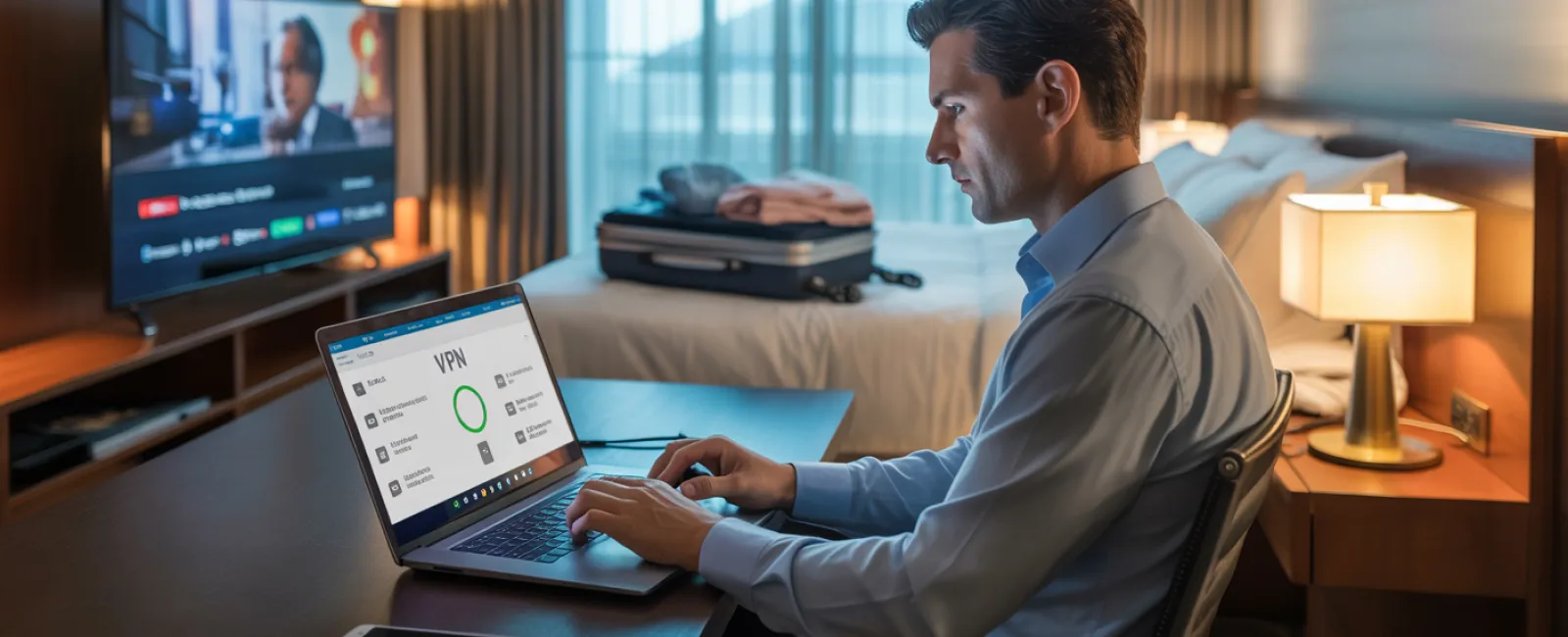
Upon hotel check-in, everyone quickly connects to WiFi—smartphones, tablets, business laptops, gaming consoles. Your teen streams shows, your spouse checks email, and you try to complete critical work. But beware: Hotel networks are public and vulnerable, frequented by potentially malicious users.
True story: One family unknowingly joined a fake hotel WiFi SSID set up nearby. For two days, hackers intercepted all their online activity, including passwords and credit card details.
Tips to Protect Your Data:
Confirm the network name—always verify with the front desk to avoid imposters.
Use a VPN for work—encrypt your traffic when accessing emails or sensitive files.
Utilize your phone's hotspot for confidential tasks—banking and client data are best kept off unsecured hotel WiFi.
Separate work and leisure—let kids stream cartoons on the hotel WiFi, but reserve your work access for secure mobile data.
Handling Device Sharing: The "Can I Use Your Laptop?" Dilemma
Your laptop contains your entire business, yet children want to watch videos, chat, or play games. While these actions aren't harmful in themselves, they pose real security threats when done on your work machine.
Why it matters: Kids can unintentionally download malware, expose passwords, or fail to log out—risks no work device should face.
How to address this problem:
Firmly restrict work device use—provide a separate device for leisure and enforce the rule consistently.
If sharing is unavoidable:
- Set up a limited-permission user account
- Closely supervise activity
- Block downloads
- Avoid saving passwords
- Clear browser histories after use
Best practice: Travel with a dedicated family device—an older tablet or laptop not connected to work systems.
Streaming on Hotel TVs: Always Log Out
Using hotel smart TVs for Netflix is convenient, but if you forget to log out upon checkout, subsequent guests gain access to your accounts.
Worse yet: Reusing passwords could expose multiple platforms to unauthorized access.
How to avoid this risk:
- Cast from your own device instead of logging in on the TV
- Set a reminder on your phone to log out before departure
- Better yet: Download favorite shows to your device in advance and skip hotel TV apps entirely
Avoid logging into these on shared TVs:
- Banking apps
- Work accounts
- Email
- Social media
- Any account storing payment details
Lost Device? Act Fast
Travel often means devices get misplaced—in restaurants, hotels, cars, or airports. If your device disappears, immediate action is critical.
In the first hour:
- Activate "Find My Device" to locate your gadget
- If unrecoverable, remotely lock it
- Change passwords on sensitive accounts from another device
- Inform your IT team to revoke company system access
- If business data was exposed, notify affected parties promptly
Pre-trip essentials for your device:
- Enable remote tracking
- Use strong password protection
- Encrypt data automatically
- Set up remote wipe capability
If a family member loses a device, apply these same precautions immediately.
Protect Your Data When Using Rental Cars
Connecting your phone to a rental car's Bluetooth for entertainment or navigation stores personal data like contacts and call logs on the vehicle.
This info often remains accessible after you return the car, putting your privacy at risk.
Quick 30-second steps before handing back your car:
- Delete your phone's connection from the car's Bluetooth list
- Clear recent GPS destinations
- Better yet: Use an aux cable or avoid connecting your phone altogether
Maintain Work-Life Boundaries on Vacation
Constantly checking email and taking calls during family time causes stress and markedly reduces your security awareness.
Here's reality: The less you unplug, the more likely you become careless—clicking unsafe links or accessing risky networks.
Set clear boundaries if you must work:
- Limit email checks to twice daily at set times
- Use a cellular hotspot—not hotel WiFi—for work-related internet
- Work privately in your room rather than in public spaces
- Be fully present when with family; avoid multitasking
Ultimately, the best security measure is to fully disconnect. Your business can handle a brief pause, and you'll be sharper against threats when rested.
Adopt a Smart Holiday Travel Security Mindset
Mixing work and family during the holidays is complicated. Sometimes kids must use your laptop, and sometimes urgent emails need checking during a car ride.
The aim isn't perfection, but intentional risk management:
- Prepare your devices thoroughly before departure
- Identify risky activities (hotel WiFi banking) and low-risk ones (checking email via hotspot)
- Create strict barriers between work and family use
- Have a clear step-by-step plan if a problem arises
- Learn to say "No" to risky device uses—and stand by it
Make This Holiday Season Secure and Stress-Free
The holidays should be about joy and connection—not data breaches or damage control with clients.
A bit of preparation and a few simple rules can shield your business while keeping family fun intact. Everyone wins when security doesn't interrupt your holiday.
Need expert guidance to craft travel security plans for your team and yourself? Click here or give us a call at 816-256-2595 to book a free 15-Minute Discovery Call with us.We'll help you create practical policies that protect your business without making travel impossible.
Remember, the best holiday memories have nothing to do with "That time Dad's laptop got hacked."